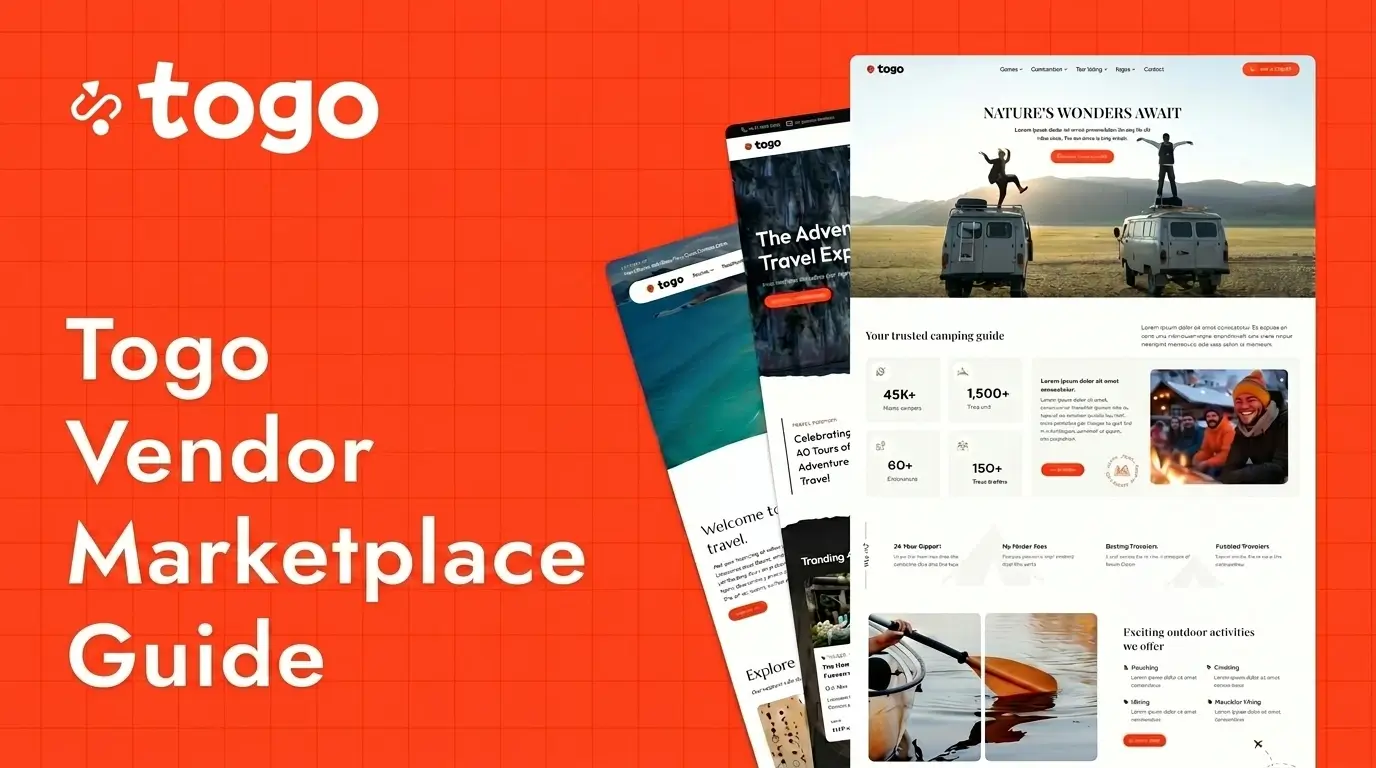
Building a multi-vendor travel marketplace website has become one of the fastest-growing trends in the tourism industry. Platforms like GetYourGuide, Viator, and Klook have shown how powerful a marketplace business model can be for connecting travelers with local tour providers.
The Togo Marketplace Plugin transforms your Togo WordPress travel website into a complete multi-vendor booking platform where multiple vendors can create tours, manage bookings, communicate with customers, and track earnings directly from the frontend dashboard.
In this guide, you will learn how to install, configure, and set up the Togo Marketplace Plugin for WordPress step by step.
What Is the Togo Marketplace Plugin?
The Togo Marketplace Plugin is a powerful extension for Togo WordPress Theme that allows multiple independent vendors to sell tours and travel services on the same website.
The plugin combines:
- Frontend vendor dashboards
- Tour management tools
- Booking systems
- WooCommerce payments
- Vendor messaging
- Earnings tracking
- Payout management
- Commission systems
- Marketplace analytics
This makes it possible to create a professional travel marketplace similar to Viator or GetYourGuide using WordPress.
Requirements Before Installation
Before installing the plugin, make sure your website includes:
- WordPress installed
- Togo WordPress Theme activated
- WooCommerce installed
- Elementor plugin activated
- Togo booking features configured
Method 1: Manual Plugin Installation
The manual upload method allows you to install the marketplace plugin directly from the ThemeForest package.
Step 1: Locate the Plugin File
After downloading the Togo Theme package from ThemeForest, locate the following plugin file inside the plugins folder:
togo-marketplace.zipStep 2: Open WordPress Admin
Log in to your WordPress Admin Dashboard using an administrator account.
Step 3: Navigate to Plugins
Go to:
Plugins → Add NewStep 4: Upload the Plugin
Click the Upload Plugin button and select:
togo-marketplace.zipStep 5: Install and Activate
Click Install Now and wait for the installation process to complete.
After installation finishes, click Activate Plugin.
Method 2: Install via Theme Setup Wizard
Togo Theme also supports automatic plugin installation using the Theme Setup Wizard.
Setup Steps
- Log in to your WordPress Admin Dashboard.
- Click Begin Installing Plugin when prompted.
- Locate Togo Marketplace in the required plugins list.
- Click Install.
- Activate the plugin after installation completes.
Import Marketplace Elementor Templates
After activating the plugin, you need to import the marketplace templates into Elementor.
Locate the following template package:
vendor-marketplaces-templates.zipHow to Import Templates
- Go to Elementor → Templates.
- Click Import Templates.
- Select the ZIP template file.
- Click Import Now.
- Click Continue.


These templates provide the layouts and widgets required for vendor dashboard pages and marketplace functionality.
Create Required Marketplace Pages
Before vendors can start using the system, marketplace pages must be created and connected correctly.
Required pages may include:
- Vendor Dashboard
- Create Trip
- Booking List
- My Tours
- Messages
- Earnings
- Payouts
- Notifications
- Analytics
These pages use Elementor widgets from the Marketplace category.
Configure Marketplace Settings
After creating the required pages, configure the marketplace system inside:
Settings → Togo MarketplaceInside the settings panel, assign each feature to the correct page.
Examples:
- Create Trip Page
- Booking List Page
- My Tours Page
- Payout Page
- Analytics Page
If these pages are not configured properly, some vendor dashboard links may not function correctly.
Multi-Vendor Marketplace Support
The Togo Marketplace Plugin supports multiple independent vendors selling tours on the same website.
Each vendor receives:
- A WordPress Vendor account
- A vendor profile page
- Access to frontend dashboards
- Tour management tools
- Booking management access
- Earnings and payout systems
Customers can browse all tours together while each listing remains connected to its respective vendor.
Vendor Role System
The plugin automatically creates a dedicated Vendor user role.
Vendor permissions may include:
- Managing tours
- Uploading media
- Managing bookings
- Handling messages
- Tracking earnings
- Updating profile information
Vendor Profiles and Verification
Marketplace owners can manage vendor profiles directly from WordPress Admin.
Administrators can:
- Mark vendors as verified
- Activate or deactivate vendor accounts
- Hide inactive vendors from listings
- Review business information
This helps maintain marketplace quality and improve customer trust.
Vendor Registration Workflow
The Togo Marketplace Plugin supports flexible vendor registration workflows.
Auto Vendor Activation
You can enable:
Auto-Activate VendorThis automatically activates new vendor accounts after registration.
Manual Vendor Approval
Alternatively, administrators can manually review and approve vendor accounts before activation.
This approach is recommended for higher-quality marketplaces.
Vendor Dashboard Experience
Vendors can access all marketplace features directly from the frontend dashboard.
Dashboard features include:
- Tour management
- Booking management
- Earnings tracking
- Payout requests
- Analytics reports
- Customer messages
- Notifications
- Review management
This creates a professional vendor experience without requiring WordPress admin access.
Advanced Marketplace Commission System
The marketplace commission system controls how revenue is shared between the platform owner and vendors.
How Vendor Commission Works
The Vendor Commission percentage determines how much of each booking belongs to the platform owner.
The remaining amount becomes the vendor’s net earnings.
Configure Vendor Commission
Go to:
Settings → Togo MarketplaceSet:
Vendor Commission (%)You can choose a percentage from:
- 0% to 100%
Commission Example
If the commission is set to:
15%The marketplace owner keeps 15% of each booking while vendors receive the remaining 85%.
Earnings and Reporting
Vendors can track:
- Gross revenue
- Marketplace commission
- Net earnings
- Booking income
- Sales performance
This provides transparent financial reporting for both vendors and administrators.
WooCommerce Integration
The Togo Marketplace Plugin integrates directly with WooCommerce for:
- Checkout systems
- Online payments
- Order management
- Discount coupons
- Payment gateways
- Customer invoices
This allows travel marketplaces to use payment providers such as Stripe and PayPal.
Optional Demo Vendor Accounts
Inside the Developer Tools section, administrators can:
- Generate demo vendors
- Create sample marketplace data
- Remove testing vendors
This feature is recommended for staging or development environments only.
Best Use Cases for Togo Marketplace
- Travel marketplaces
- Tour booking platforms
- Local experience websites
- Adventure travel platforms
- Destination booking websites
- Activity marketplaces
- Tour agency networks
SEO Benefits of Multi-Vendor Travel Websites
A multi-vendor marketplace can significantly expand SEO coverage because each vendor contributes new tours, destinations, and content.
Benefits include:
- More indexed pages
- Higher keyword coverage
- Scalable content growth
- Better destination targeting
- Increased organic traffic
Final Thoughts
The Togo Marketplace Plugin provides a complete multi-vendor marketplace solution for WordPress travel websites.
With frontend vendor dashboards, WooCommerce integration, Elementor widgets, booking systems, commission management, and vendor payouts, Togo Theme makes it possible to build a scalable travel marketplace similar to Viator or GetYourGuide.
If you want to create a professional tour booking marketplace with WordPress, the Togo Marketplace Plugin provides the tools needed to manage vendors, bookings, and marketplace operations efficiently.
Frequently Asked Questions
What is the Togo Marketplace Plugin?
It is a multi-vendor marketplace plugin for Togo WordPress Theme that allows vendors to sell tours and manage bookings.
Does the plugin support WooCommerce?
Yes. WooCommerce is used for checkout, orders, payments, and coupons.
Can multiple vendors sell tours on the same website?
Yes. The plugin supports independent vendors with separate dashboards and profiles.
Can I control vendor commissions?
Yes. Marketplace commission percentages can be configured globally in Togo Marketplace settings.
Do vendors access the WordPress admin panel?
No. Vendors can manage tours, bookings, earnings, and messages directly from the frontend dashboard.