Viator made $1.7 billion in revenue in 2023. GetYourGuide raised over $1.1 billion in funding. The tours and experiences market is projected to hit $183 billion globally by 2030.
And here’s the thing most people miss: these platforms don’t run tours themselves. They connect travelers with local operators who do. They take a commission on every booking. The platform wins whether one operator books ten tours or a hundred operators book ten thousand.
That’s the marketplace model — and it’s the most scalable business in travel.
The good news? You don’t need Viator’s engineering team or GetYourGuide’s venture capital to build one. With the right WordPress theme, you can launch a fully functional tour marketplace with vendor onboarding, commission automation, and online booking — in a weekend.
Here’s exactly how.
What Is a Tour Marketplace (And Why It Beats Running a Single Agency)?
A traditional travel agency lists and sells its own tours. A tour marketplace does something more powerful: it lets third-party operators list their tours on your platform, and you earn a commission on every sale — without having to operate a single tour yourself.
Think of it like this:
- Traditional agency model: You create tours, you sell them, you operate them. Revenue is capped by your own capacity.
- Marketplace model: Other operators create and run tours. You provide the platform, the traffic, and the booking infrastructure. You earn a percentage of every transaction — from every vendor on your platform.
The economics are completely different. As your marketplace grows, your revenue scales without your costs scaling at the same rate. You’re not hiring more guides. You’re signing up more vendors.
This is why Airbnb is more valuable than most hotel chains. It’s why Viator is more valuable than most tour operators. The platform beats the product business almost every time.
What You Need to Build a Tour Marketplace
Before we get into the how, let’s be clear about what a real tour marketplace requires — and what separates a genuine marketplace from just a website with a contact form.
Essential features:
- Vendor registration and onboarding — operators must be able to sign up, create profiles, and list their own tours independently
- Individual vendor dashboards — each operator manages their own listings, availability, pricing, and bookings
- Automated commission system — when a tour sells, the platform takes its cut automatically; the vendor receives the rest
- Public vendor storefronts — travelers can browse by operator, not just by destination or category
- Booking and payment processing — real-time availability, secure checkout, confirmation emails
- Admin controls — you can approve vendors, set commission rates, manage disputes, and monitor the entire marketplace
Most WordPress themes can’t do this. They’re built for single operators — one business, one set of tours, one checkout. To run a marketplace, you need multi-vendor architecture baked into the theme itself.
Important: That’s where Togo comes in.
How to Build Your Tour Marketplace with Togo WordPress Theme
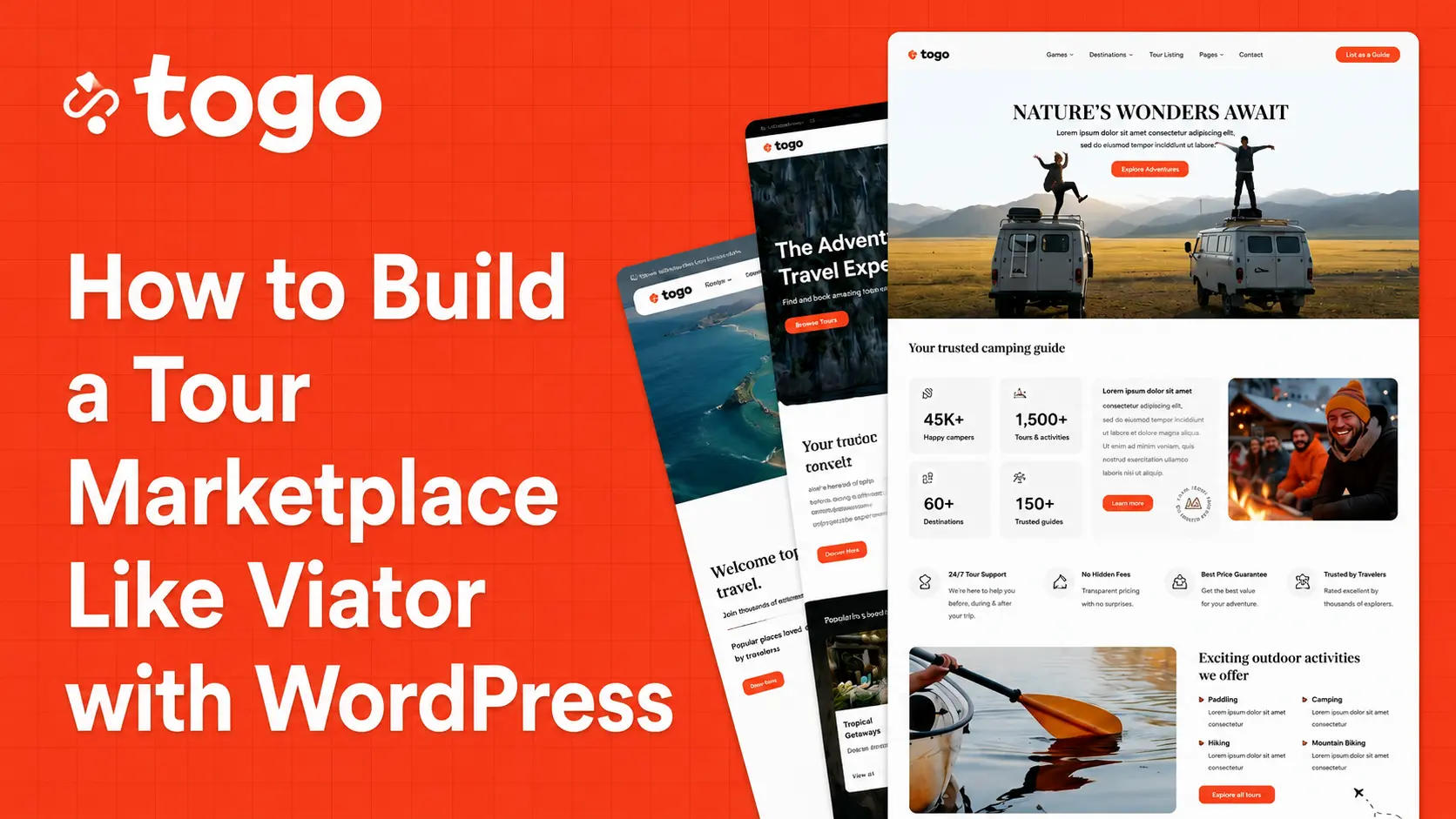
Togo is a travel booking WordPress theme built specifically for the marketplace model. Unlike general-purpose themes that bolt on multi-vendor functionality as an afterthought, Togo’s marketplace system is a core part of the platform — designed from the ground up for operators who want to run a scalable, multi-vendor travel business.
Here’s how to get your marketplace live, step by step.
Step 1: Install Togo and Import a Demo
After purchasing Togo from ThemeForest, installation follows the standard WordPress process. You’ll install three plugins: Togo Framework (the core engine), Elementor (the page builder, free), and Contact Form 7.
From there, import one of Togo’s marketplace-optimized demo designs with a single click. The Tour Directory demo is purpose-built for marketplace layouts — it includes vendor listing pages, operator profile templates, a searchable directory, and a homepage designed to showcase multiple operators rather than a single agency.
You’re starting from a complete, professional design rather than a blank canvas.
Step 2: Activate the Togo Marketplace Plugin
The multi-vendor functionality lives in Togo’s Marketplace Plugin — included with your purchase, no additional cost. Once activated, your WordPress site gains:
- A vendor registration flow that operators can self-complete
- Individual vendor dashboards with full tour management
- Commission settings you control at the platform level
- Automated payout tracking per vendor
In your WordPress admin, you’ll set your default commission rate — say, 15% or 20% — and the system handles the math on every transaction from that point forward.
Step 3: Configure Vendor Onboarding
This is where your marketplace becomes self-sustaining. With Togo’s vendor system, tour operators can:
- Register for a vendor account directly on your site
- Complete their operator profile (business name, description, logo, contact details)
- Submit their tours for listing — including photos, itineraries, pricing, availability, and booking rules
- Receive bookings and communicate with travelers through their dashboard
You can choose to approve vendors manually before they go live (recommended, especially early on) or allow automatic approval. Either way, the process is handled entirely within the platform — no manual setup required for each new operator.
Step 4: Set Up Your Booking and Payment System
Togo runs payments through WooCommerce, which gives you access to 100+ payment gateways — Stripe, PayPal, and dozens of regional processors. For a marketplace, this matters because you need reliable payment infrastructure that travelers trust and that handles multi-party transactions cleanly.
At checkout, customers pay through your platform. The commission is recorded automatically. Vendors see their net earnings in their dashboard.
You’ll also configure:
- Booking confirmation emails — sent automatically to travelers and vendors
- Real-time availability — operators set their tour dates and capacity; the system prevents overbooking
- Dynamic pricing — vendors can set seasonal rates, group pricing, or promotional discounts independently
Step 5: Build Your Search and Discovery Experience
A marketplace lives or dies on discoverability. Travelers need to find tours by destination, category, date, price range, and operator — not just scroll through a long list.
Togo’s advanced search system includes radius-based location search, category and attribute filtering, price range sliders, and date availability filters. Using Togo’s 50+ Elementor widgets, you can build custom archive pages, destination landing pages, and operator directory pages — all without touching code.
This is where your marketplace starts to feel like a real platform, not just a list of tours.
What Your Marketplace Can Look Like at Different Stages
| Stage | Description |
|---|---|
| Month 1 — Launch with 5–10 operators | Focus on a specific niche or region. A marketplace for adventure tours in Southeast Asia. Eco-tours in Central America. Cultural experiences in Japan. Niche marketplaces convert better and are easier to market than generic ones. |
| Month 3–6 — 20–50 operators | Your SEO starts to compound. Each new operator listing adds indexed content. Your destination pages rank for more long-tail keywords. Word-of-mouth among operators brings new vendors without paid acquisition. |
| Year 1 — 100+ operators | At this scale, your marketplace has genuine network effects. More operators attract more travelers. More travelers attract more operators. The platform becomes self-reinforcing. |
The beautiful thing about this model: your revenue grows with every new operator, every new tour, and every new booking — without you operating a single trip.
What Does It Cost to Build a Viator-Style Marketplace?
Here’s the comparison that should end the debate:
| Approach | Setup Cost | Monthly Cost |
|---|---|---|
| Custom development | $15,000–$50,000+ | $500–$2,000+ (maintenance) |
| SaaS marketplace tools (Sharetribe, etc.) | $0–$500 setup | $299–$999/month |
| Togo WordPress Theme | $59 one-time | $0 (hosting only) |
Togo doesn’t give you 100% of what a $50,000 custom build would deliver. But it gives you 90% of it — the booking engine, the vendor system, the commission automation, the payment integration — for $59 and a weekend of setup time.
For most travel entrepreneurs, that tradeoff is an obvious decision.
Frequently Asked Questions
How many vendors can Togo support?
There’s no hard limit built into the platform. Performance at scale depends on your hosting environment — a managed WordPress host like Kinsta or WP Engine handles high-traffic marketplaces comfortably.
Can I set different commission rates for different vendors?
Yes. While you set a platform-wide default, you can negotiate custom commission rates with individual operators through the admin panel.
Do vendors need a WordPress account to manage their listings?
Yes, each vendor gets a WordPress user account with restricted access — they only see their own dashboard, tours, bookings, and earnings. They cannot access other vendors’ data or your admin settings.
Can travelers leave reviews for operators?
Yes. Togo includes a review system that attaches ratings to individual tours and vendor profiles — critical for building trust on a marketplace platform.
What if a vendor wants to leave the marketplace?
Their account and listings can be deactivated by admin. Completed bookings remain in the system for record-keeping purposes.
The Opportunity Is Real. The Tools Are Here.
The experiences economy is booming. Travelers increasingly spend on doing rather than having — and they book online, often weeks or months in advance. The infrastructure to capture that demand used to require serious capital. It doesn’t anymore.
Togo gives independent travel entrepreneurs the same technical foundation that marketplace businesses have been building on for years — packaged into a WordPress theme, priced at $59, with no recurring platform fees eating into your margins.
If you’ve been thinking about building a marketplace, there has never been a better time or a lower barrier to start.
Already have questions before buying? Contact the Togo sales team — or browse the Vendor Dashboard feature breakdown to see exactly what’s included.