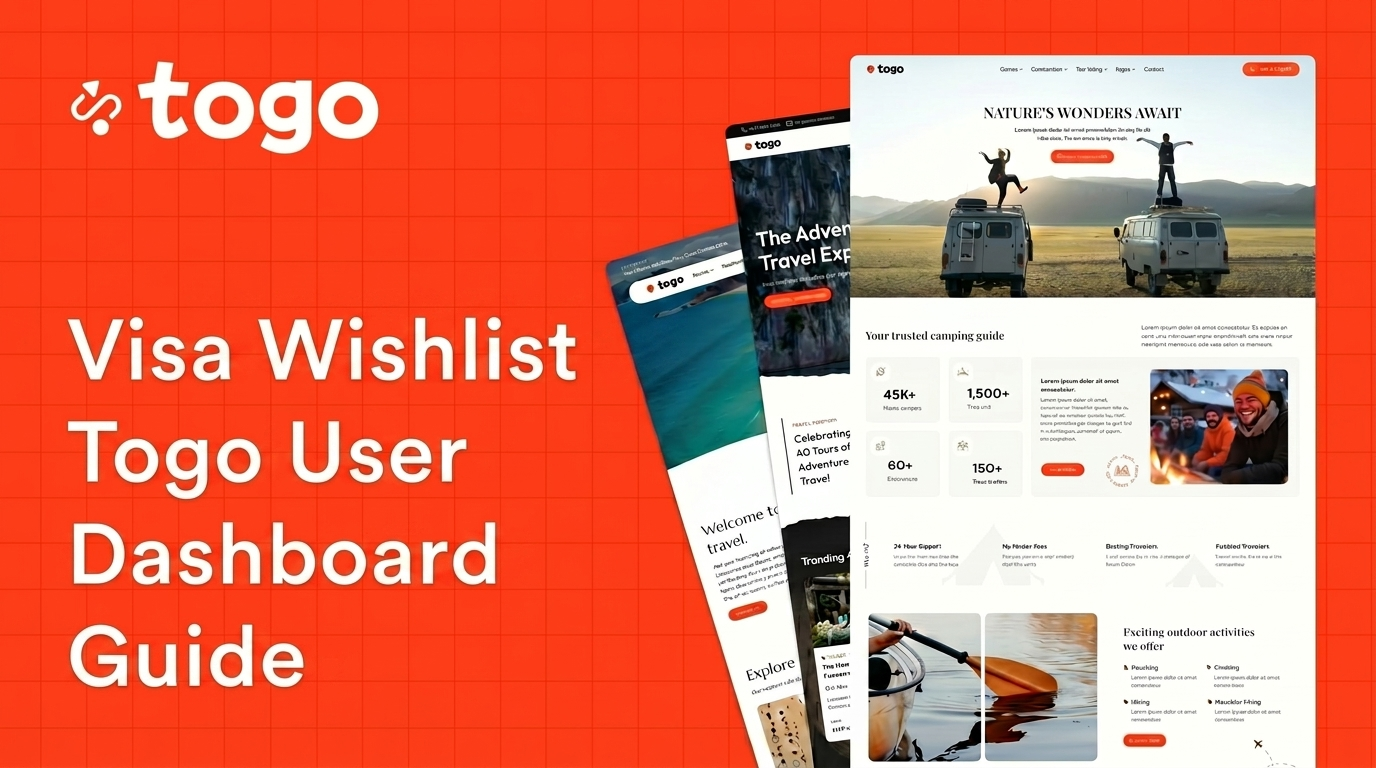
Creating a personalized user dashboard experience is essential for modern travel and visa booking websites. If you are using the Togo WordPress Theme, you can easily create a custom Visa Wishlist page inside the user account dashboard.
This feature allows users to save visa services, manage preferred destinations, and organize future travel plans directly from their account area.
Why Use Visa Wishlist Togo?
A wishlist feature improves user engagement and enhances the overall booking experience for travel websites.
- Save preferred visa services
- Improve user experience
- Increase repeat visits
- Encourage future bookings
- Create a personalized dashboard
- Simplify travel planning
Visa Wishlist Togo Dashboard Features
Togo includes flexible dashboard functionality powered by Elementor and WooCommerce integration.
| Feature | Description |
|---|---|
| Booking Management | Users can manage reservations and travel bookings. |
| Wishlist Pages | Save favorite visa services and trips. |
| Responsive Dashboard | Optimized for mobile and tablet devices. |
| Elementor Support | Customize dashboard pages visually. |
How to Create Visa Wishlist Togo Pages
Step 1: Log Into WordPress Dashboard
Access your WordPress admin dashboard using your administrator account.
Step 2: Create a New Page
Navigate to:
Pages → Add NewCreate a new page with a title such as:
My Visa WishlistStep 3: Configure Page Settings
Inside the page settings:
- Set Template to My Account
- Set Header Type to Header Account
Important: These settings ensure the page integrates properly with the user dashboard system.
Step 4: Edit with Elementor
Click the Edit with Elementor button to customize the page visually.
Step 5: Add the Visa Wishlist Widget
Inside Elementor:
- Search for the My Visa Wishlist widget
- Drag and drop the widget into the page content area
Step 6: Customize the Design
You can customize:
- Typography
- Spacing
- Colors
- Buttons
- Wishlist layouts
Step 7: Publish the Page
Click Publish to save your changes and make the page available inside the user dashboard.
Benefits of Personalized Dashboard Features
Modern travel websites benefit greatly from personalized account systems.
- Improve customer retention
- Increase engagement
- Encourage repeat bookings
- Enhance user experience
- Provide faster account access
Why Elementor Makes Customization Easier
Togo fully supports Elementor, allowing you to customize dashboard pages without coding knowledge.
- Drag-and-drop editing
- Responsive layouts
- Visual customization
- Fast page building
- Flexible widget system
Mobile-Friendly Dashboard Experience
Togo dashboard pages are optimized for mobile devices to ensure a smooth user experience across smartphones and tablets.
- Responsive account pages
- Mobile wishlist management
- Fast loading speed
- Touch-friendly layouts
Final Thoughts
Creating a Visa Wishlist page in the Togo WordPress Theme is an excellent way to improve customer engagement and provide a better travel booking experience.
With Elementor support and flexible dashboard templates, you can easily build personalized account pages without writing code.
This helps travel agencies and visa booking websites deliver a more professional and user-friendly experience.
Frequently Asked Questions
Can I create a custom wishlist page in Togo?
Yes. Togo supports custom dashboard pages using Elementor and account templates.
Does Togo support Elementor?
Yes. Togo is fully compatible with Elementor for visual page customization.
Is the user dashboard mobile-friendly?
Absolutely. Togo dashboard pages are responsive and optimized for mobile devices.
Can users manage saved visa services?
Yes. The Visa Wishlist widget allows users to save and manage visa-related services easily.
For more details, visit the official Togo Documentation.